Details
PDF Image Extractor finds embedded raster images in a PDF and exports them as PNG files.
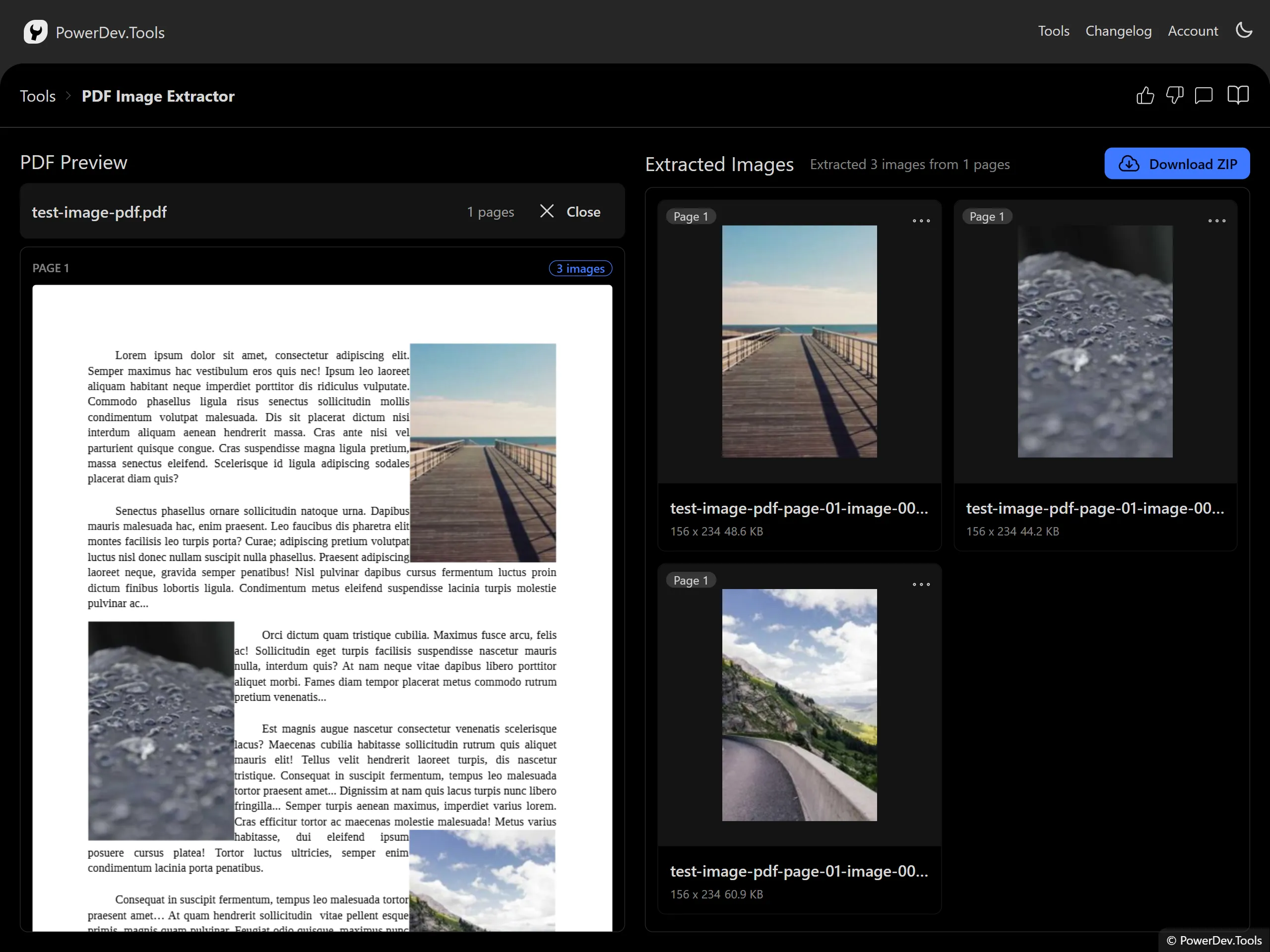
Upload a PDF by dragging it into the drop zone or selecting it from your computer. Once loaded, the left panel shows page previews and the right panel lists every extracted image in a grid.
Hover an image in the grid to highlight its position on the PDF page preview. Hover an image highlight on the page to focus the matching grid item. Use each image menu to download it, jump back to its page, or remove it from the export list.
You can download a single image, or export all remaining images as a ZIP file.
All processing happens locally in your browser. Your PDF is not uploaded to a server.
