Details
Markdown to PDF Converter
Turn Markdown documents into polished, downloadable PDF files without uploading your content or calling an external rendering service.
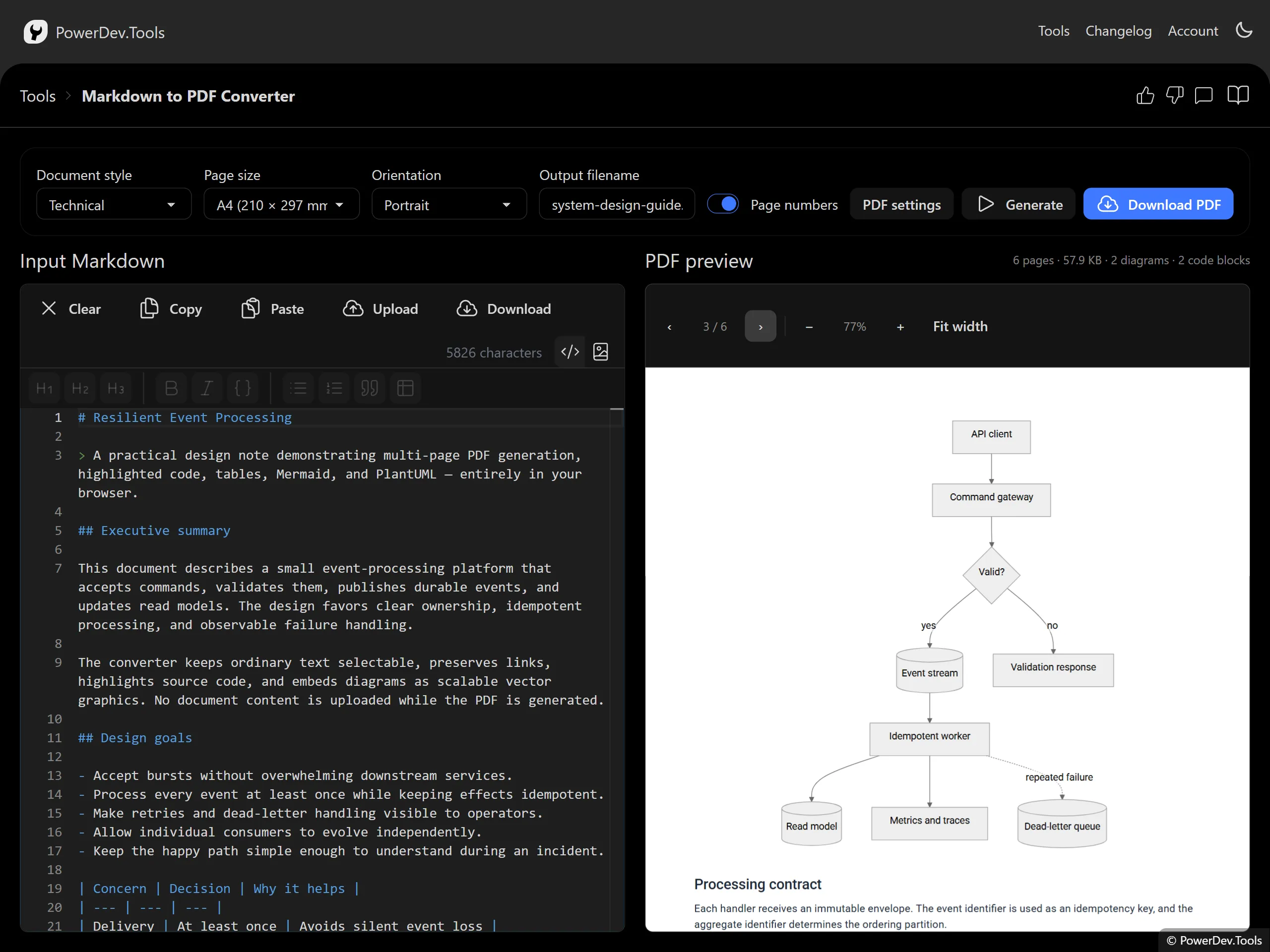
Write or paste Markdown, choose the page layout and document style, then generate an exact PDF preview. The generated PDF keeps text selectable and diagrams as scalable vector graphics.
Features
- Direct PDF downloads without opening the browser print dialog
- Multi-page documents with automatic pagination
- Syntax-highlighted code blocks with selectable text
- Mermaid diagrams rendered locally in the browser
- PlantUML diagrams rendered locally without Java or a rendering server
- Tables, lists, blockquotes, links, headings, and inline formatting
- Page sizes and orientations including A4, A5, Letter, and Legal
- Technical, clean, compact, and dark document styles
- Optional table of contents, heading page breaks, and code line numbers
- PDF metadata including title, author, subject, and keywords
Diagram Blocks
Use fenced code blocks with mermaid, plantuml, or puml as the language. When Render diagrams is enabled, these blocks become vector diagrams in the PDF. Disable the option to include their syntax-highlighted source instead.
Privacy and Offline Use
Markdown parsing, code highlighting, diagram rendering, and PDF generation all happen locally in your browser. The converter makes no web API or backend calls. Remote images and remote PlantUML includes are not loaded.
Large rendering libraries are loaded only when needed. Once the application assets are cached, the converter is suitable for offline use through the PowerDev.Tools PWA.
