Details
Markdown to HTML Converter
Convert Markdown text into clean HTML source code.
How It Works
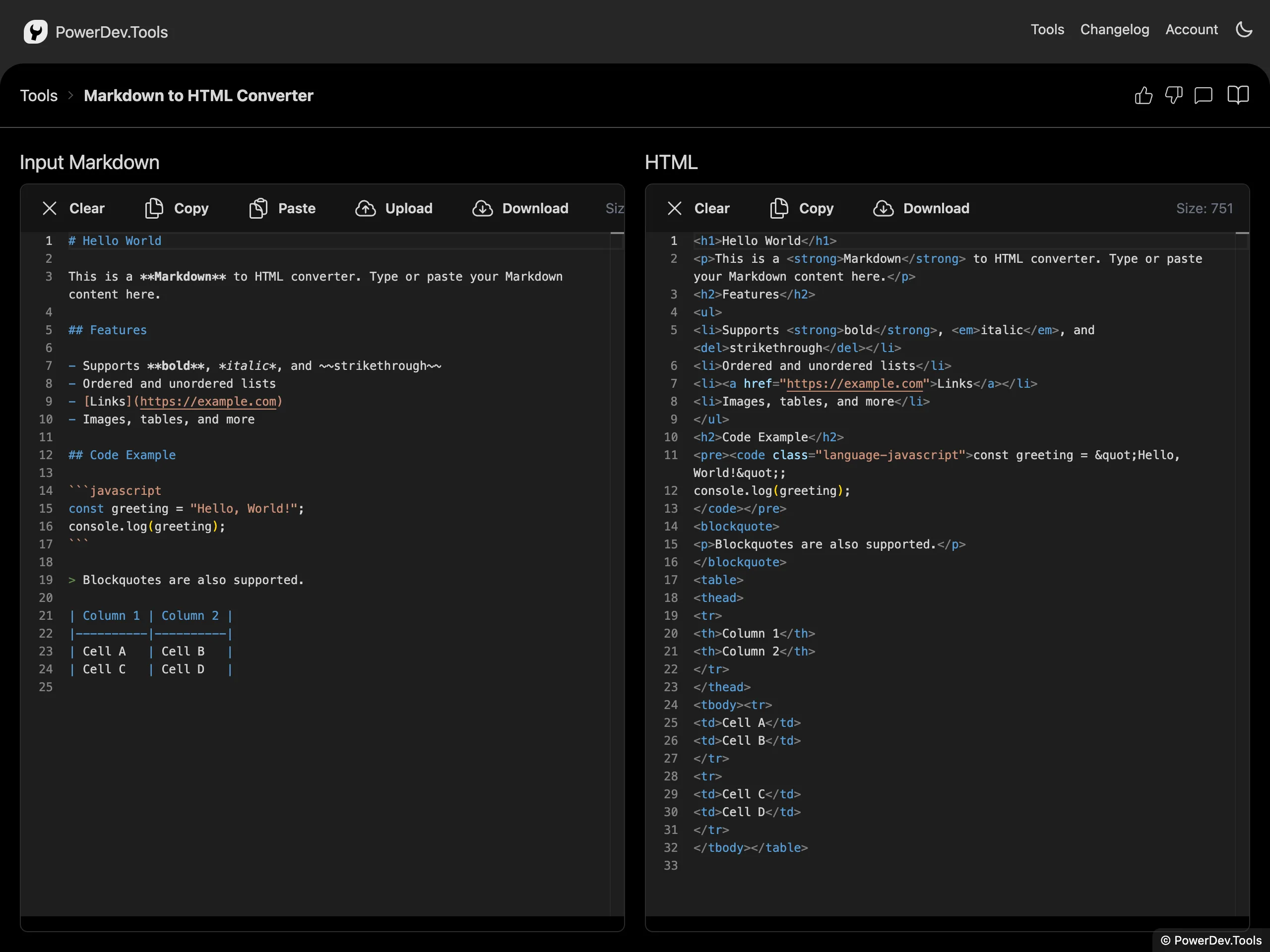
Paste or type your Markdown content in the left panel and the corresponding HTML source code will appear in the right panel.
The input editor opens in WYSIWYG mode by default, so you can format Markdown visually with toolbar controls. You can still switch to Markdown source mode whenever you want direct control over the raw text.
The conversion is performed entirely in your browser — no data is sent to any server.
Features
- Live conversion as you type
- WYSIWYG Markdown editing with quick formatting controls
- Source editing mode for direct Markdown changes
- Supports full Markdown syntax including headings, lists, tables, code blocks, and more
- HTML output is displayed as source code, ready to copy and use
- Privacy-first — all processing happens client-side
