Details
PDF Fill
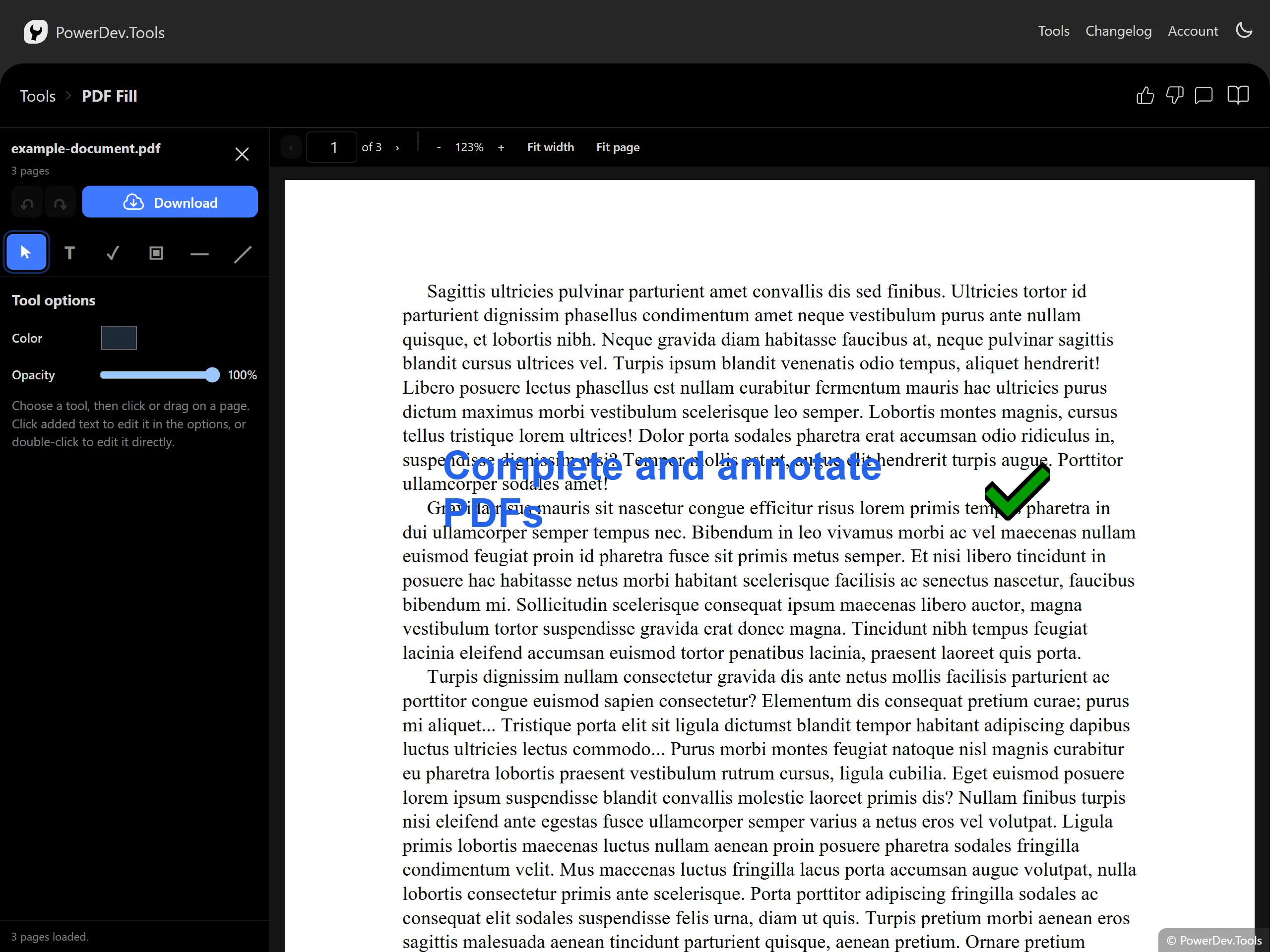
PDF Fill lets you complete interactive PDF forms and place additional content directly on PDF pages.
Drop a PDF into the editor to fill supported AcroForm text fields, checkboxes, radio buttons, and selection fields. Use the editor toolbar to add text, common symbols, images, horizontal rules, and arbitrary lines. Added items can be selected, moved, resized, restyled, or removed.
The editor supports continuous page scrolling, page navigation, zoom controls, undo and redo, and local PDF downloads. Documents are processed entirely in your browser and are not uploaded to a server.
Important limitations
- XFA forms are detected but are not editable.
- Editing a digitally signed PDF invalidates its signatures. Signed documents open in read-only mode until you explicitly choose to continue.
- Password-protected PDFs can be opened with the correct password. Their downloaded output is an unencrypted, flattened PDF.
- Only items added during the current editing session can be moved, resized, or restyled. Original page text and images are not editable.
