
New Tool: PDF Fill - Complete and Annotate PDFs in Your Browser
Fill PDFs Without Uploading Them
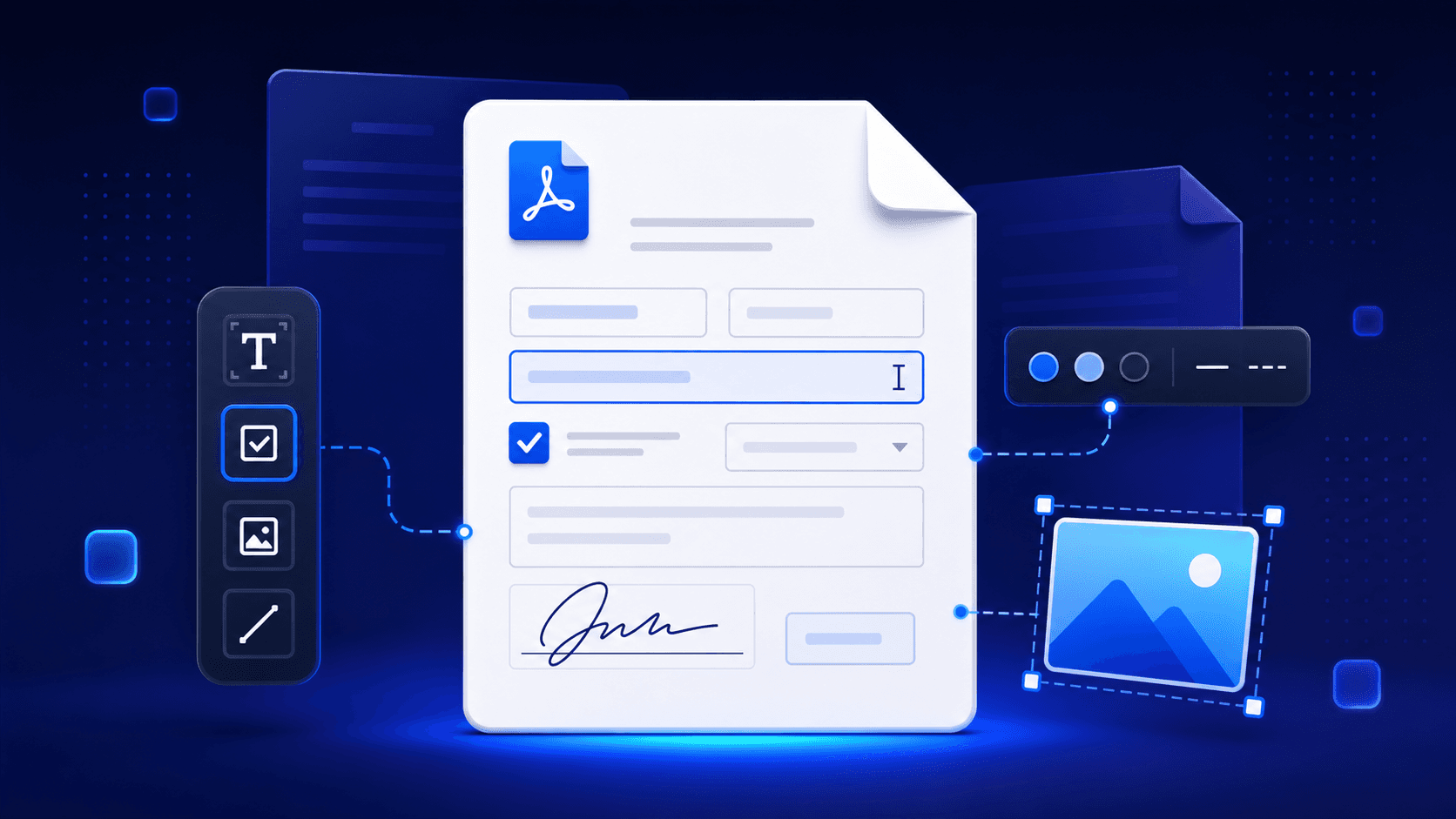
PowerDev.Tools now includes PDF Fill, a browser-based editor for completing interactive PDF forms and placing additional content directly on PDF pages.
Open a document, fill its supported form fields, add the content you need, and download the result. The file stays in your browser throughout the process.
What You Can Do
PDF Fill supports common AcroForm controls and several useful annotation tools:
- Fill text fields, checkboxes, radio buttons, and selection fields
- Add text anywhere on a page
- Place check marks, crosses, dashes, dots, and circles
- Insert images
- Draw horizontal rules and freeform lines
- Move, resize, restyle, duplicate, or remove content added during the session
- Navigate continuously through multi-page documents and adjust the zoom level
- Undo and redo editor changes
A Practical Workflow
- Drop in a PDF or choose one from your device
- Complete the form fields already present in the document
- Add annotations with the text, symbol, image, or line tools
- Review the document using page navigation and zoom controls
- Download the completed PDF when it is ready
There is also a sample form on the upload screen, so you can explore the editor before opening one of your own files.
Useful for Everyday Documents
PDF Fill is designed for common tasks such as completing application forms, adding approval marks, placing a reference image, or adding short notes and lines to a document before sharing it.
It is especially useful when you need a focused editor and do not want to install a full desktop PDF suite just to complete one form.
Privacy First
PDF documents can contain sensitive personal or business information. PDF Fill processes documents locally in your browser and does not upload them to a server.
- Your document stays on your device
- No account is required
- No server-side document processing
- Works offline once the application is loaded
Important Compatibility Notes
PDF Fill supports AcroForm fields. XFA fields are detected but cannot be edited. Digitally signed documents open in read-only mode until you explicitly enable editing because changing the document invalidates its signatures.
Password-protected PDFs can be opened with the correct password. Their downloaded output is an unencrypted, flattened PDF. Content that was already part of the original PDF page cannot be moved or restyled; those controls apply to items added during the current session.
More PDF Tools
PowerDev.Tools also includes:
- PDF Merger - Combine PDFs and rearrange pages
- PDF Page Splitter - Quickly extract selected pages into separate PDF files
- PDF to Text - Extract readable text from PDF files
- PDF to CSV - Extract table formatted data to CSV from PDF files (e.g. invoices, bank statements, data tables)
- PDF Image Extractor - Save images embedded in a PDF
Try PDF Fill
Open PDF Fill and use the included sample form or load your own document.
As always, it is free, private, and runs directly in your browser.
