
New Tool: Markdown to PDF Converter
Markdown In, Polished PDF Out
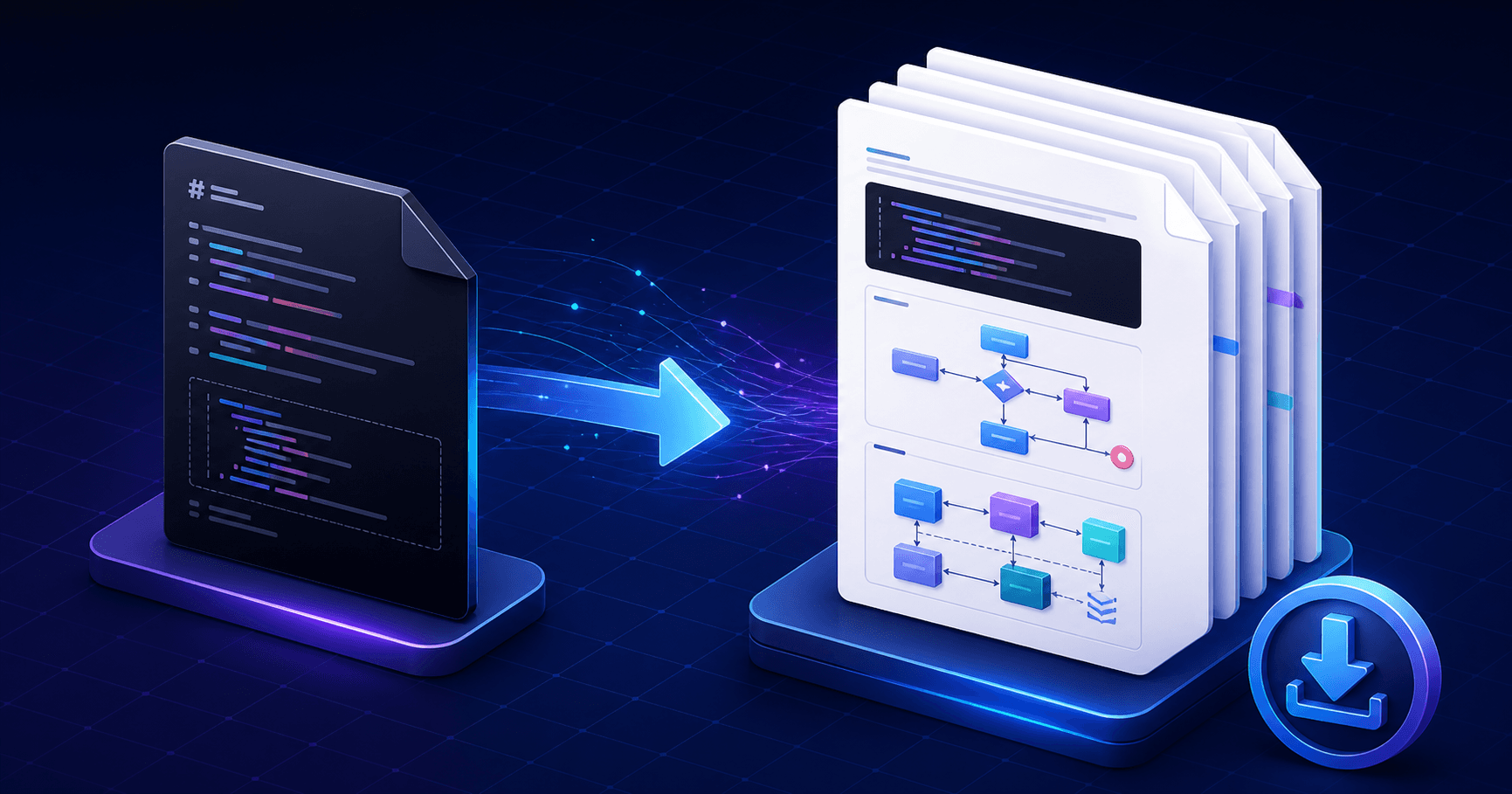
The new Markdown to PDF Converter turns Markdown into a downloadable PDF without uploading the document, calling a rendering API, or opening the browser print dialog. The result is a real PDF with selectable text, working links, page numbers, and embedded vector diagrams.
The included example is a six-page technical design document, so you can see headings, tables, lists, quotes, links, code, and diagrams working together before replacing it with your own content.
Code and Diagrams Included
Fenced source blocks are highlighted with Shiki and can include line numbers or wrapped long lines. Mermaid and PlantUML blocks are rendered locally into scalable SVG before being added to the PDF.
Supported diagram fences are straightforward:
mermaidfor flowcharts and other Mermaid syntaxplantumlorpumlfor PlantUML diagrams
If you are documenting diagram syntax instead of presenting the result, open Advanced options and disable Render diagrams. The original Mermaid and PlantUML source will appear as highlighted code in the PDF.
Useful Defaults, Detailed Control
The main controls keep common exports quick: choose a document style, page size, orientation, filename, and page numbers, then generate or download the PDF. Advanced options cover margins, base font size, page breaks, a table of contents, code themes, diagram themes, and PDF metadata.
The tool includes presets for technical, clean, compact, and dark documents. All processing stays in the current browser tab, and remote PlantUML includes or data-loading directives are blocked.
Keep the Workflow Going
Use these related tools when your document needs a different output or more PDF processing:
- Markdown to HTML Converter - Turn Markdown into clean HTML source instead of a PDF.
- Text Preview - Preview Markdown, HTML, or plain text as formatted content while you write.
- PDF Merge / Split - Combine the generated PDF with other documents or rearrange its pages.
- PDF Page Splitter - Extract selected pages into separate PDF files.
- PDF To Text - Recover readable text from an existing PDF.
- PDF Image Extractor - Save images embedded inside a PDF.
Try It
Open the Markdown to PDF Converter and start with the built-in system design example. It is free, private, and works without a server-side document renderer.
Subscribe to the newsletter to get notified when new tools are released.
