
New Tool: JSON Browser - Explore Nested JSON with a DevTools-Style Tree
Browse JSON Like You Browse Objects in DevTools
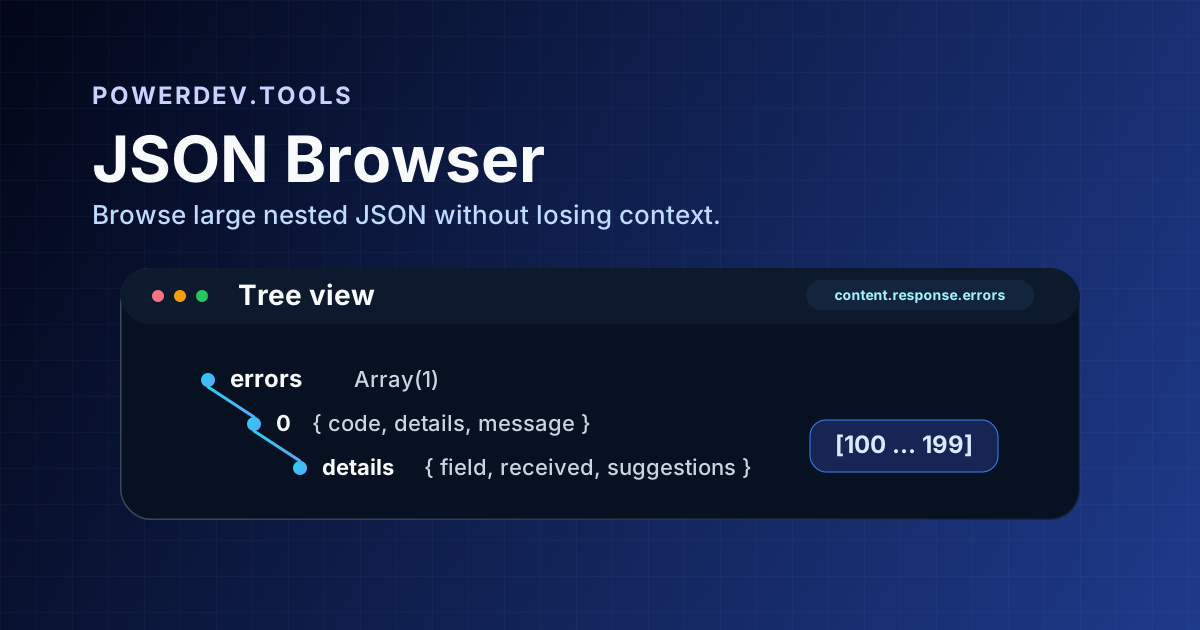
I'm happy to introduce JSON Browser, a new PowerDev.Tools utility for inspecting JSON as an expandable tree instead of reading a wall of braces and commas.
If you've ever opened a large API response, config file, or error payload and immediately reached for Chrome DevTools just to make sense of it, this tool is built for that exact moment.
Why I Built It
Pretty-printing JSON is helpful, but formatting alone stops being enough once the payload gets deeply nested or full of repeated structures. You still have to scroll, mentally match brackets, and hunt for the part you actually care about.
JSON Browser solves that by presenting the data as a hierarchy:
- Objects and arrays are expandable
- Collapsed nodes show previews so you can recognize their contents quickly
- Value types use distinct visual styling
- Huge arrays are chunked into ranges so the page stays usable
- A base path field lets you jump directly into nested content like
content.response.errors.0.details
How It Works
Using the tool is simple:
- Paste JSON into the left panel
- Browse the parsed tree on the right
- Expand only the branches you care about
- Optionally set a base path to start from a nested object or array
This makes it much easier to inspect API failures, webhooks, logs, LLM responses, and other deeply nested payloads.
Built for Large Payloads
One of the most useful details is the handling of large arrays.
Instead of rendering hundreds or thousands of child nodes at once, JSON Browser groups large arrays into ranges such as [0 … 99] and [100 … 199]. That keeps navigation fast and readable while still letting you drill into the exact item you want.
The tree also avoids rendering descendant DOM nodes for collapsed branches, which keeps the interface lighter and prevents unnecessary work when you're only looking at a small part of a massive document.
Great Use Cases
Inspecting API Responses
Paste in a REST or GraphQL response and expand only the fields you care about.
Debugging Validation Errors
Error payloads are often nested under paths like response.errors[0].details. The base path field makes jumping there quick.
Exploring LLM Output
Structured AI responses often contain nested arrays, metadata, tool calls, and validation details. A tree view makes those much easier to scan.
Reviewing Configuration Files
Large JSON config files become much easier to reason about when you can collapse unrelated sections.
Privacy First
Like the other tools on PowerDev.Tools, JSON Browser runs entirely in your browser:
- Your JSON is processed locally
- Nothing gets uploaded to a server
- No account is required
- It works offline once the app is loaded
That matters when you're inspecting internal API payloads, production logs, or customer data that should never leave your machine.
Related Tools
If JSON Browser fits your workflow, you may also like:
- JSON Formatter - Beautify and validate raw JSON
- JSON Flatten - Convert nested JSON into flat key paths
- JSON Unflatten - Rebuild nested structures from flat keys
- YAML to JSON - Convert YAML documents into JSON
Try It Out
Open JSON Browser and paste in a payload you normally inspect in DevTools. Expand a few branches, jump to a nested base path, and see how much easier large JSON becomes to navigate.
As always, it's free, private, and works right in the browser.
