
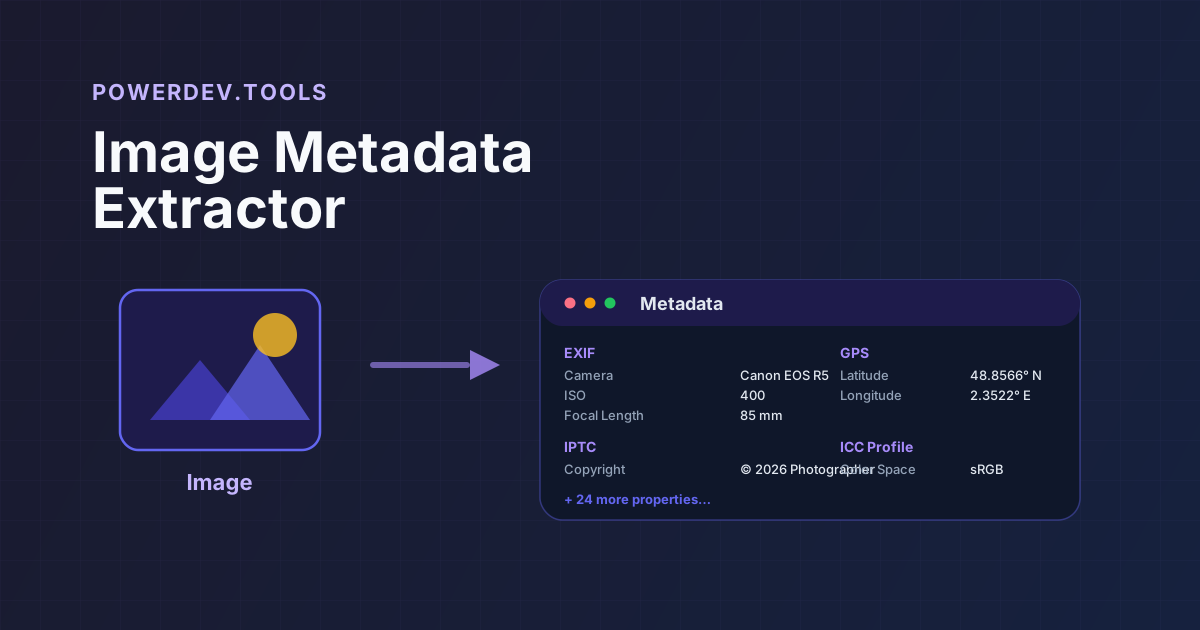
New Tool: Image Metadata Extractor - Read EXIF, GPS, IPTC & More from Any Image
Every Image Tells a Story Beyond Its Pixels
I'm excited to announce the Image Metadata Extractor, a new addition to PowerDev.Tools that lets you instantly inspect all the hidden metadata embedded in your image files.
Modern cameras, phones, and image editors embed a wealth of information into every photo — camera model, exposure settings, GPS coordinates, color profiles, copyright notices, and much more. This tool surfaces all of it in an organized, easy-to-read view.
What It Extracts
The tool reads multiple metadata standards found in common image formats:
- EXIF — Camera settings like shutter speed, aperture, ISO, focal length, and flash status
- GPS — Geographic coordinates with direct links to Google Maps, OpenStreetMap, Bing Maps, and Apple Maps
- IPTC — Editorial metadata such as copyright, author, caption, and keywords
- XMP — Extended metadata used by Adobe tools and other professional software
- ICC Profile — Color space and profile information used for accurate color reproduction
It supports JPEG, PNG, WebP, TIFF, HEIC, HEIF, and AVIF files.
How It Works
Using the tool is simple:
- Drop or upload an image into the left panel
- View organized metadata instantly in the right panel, grouped by section
- Click map links if GPS coordinates are present to see exactly where the photo was taken
The tool also shows basic file information like dimensions, file size, MIME type, and last modified date.
Why It's Useful
For Developers
When building image upload features, you often need to understand what metadata comes embedded in user-submitted images. This tool helps you inspect real files to understand what fields to expect and parse.
For Photographers
Quickly verify camera settings, check GPS data, and confirm copyright information is properly embedded before publishing or sharing images.
For Privacy-Conscious Users
Before sharing a photo online, check what personal information might be leaking through metadata. GPS coordinates in particular can reveal your exact location.
For Forensics and Verification
Inspect metadata to verify the authenticity of an image, check when and where it was taken, and what device captured it.
GPS Integration
When an image contains GPS coordinates, the tool displays them prominently and provides one-click links to view the location on:
- Google Maps
- OpenStreetMap
- Bing Maps
- Apple Maps
This makes it easy to see exactly where a photo was taken without leaving your browser.
Privacy First
Like all PowerDev.Tools utilities, the Image Metadata Extractor runs entirely in your browser:
- No images are uploaded to any server
- All processing happens locally
- No account required
- Works offline once loaded
Your images and their metadata never leave your machine.
Related Tools
You might also find these PowerDev.Tools useful:
- Image to Data URL — Convert images to base64 data URLs for embedding
- Hash Generator — Generate checksums and hashes for file verification
- Base64 Encoder/Decoder — Encode and decode Base64 text
Try It Out
Open the Image Metadata Extractor and drop in a photo from your camera or phone. You might be surprised how much information is hiding in your images.
As always, it's free, private, and works right in the browser.
