
New Tool: Cron Expression Parser
What Does */30 9-17 * * 1-5 Actually Mean?
Cron syntax is compact, powerful, and famously easy to misread. A single misplaced asterisk can turn "every weekday morning" into "every minute, forever." The new Cron Expression Parser removes the guesswork: paste an expression and instantly see exactly when it will fire.
A Plain-Language Schedule
As you type, the tool translates your expression into a human-readable sentence. For example, */30 9-17 * * 1-5 becomes:
Every 30 minutes between 09:00 and 17:59, only on Monday through Friday.
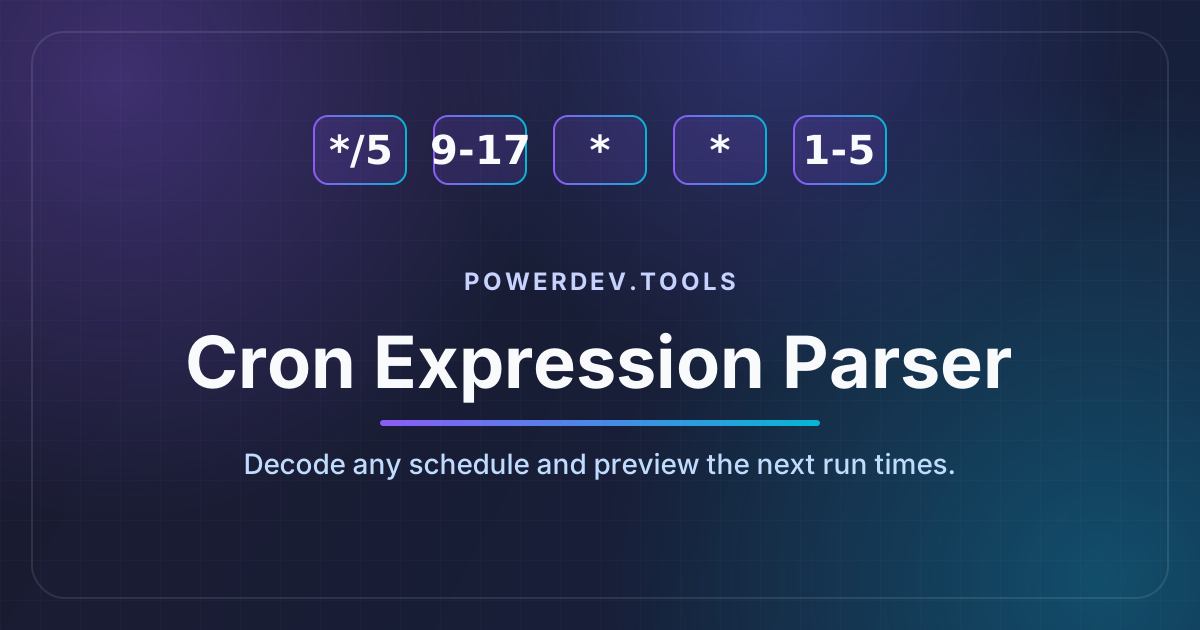
It handles the full standard five-field syntax — minute, hour, day of month, month, and day of week — including ranges (9-17), lists (1,15), steps (*/30), and combinations of all three.
Macros You Already Use
Shorthand macros are supported too, so @daily, @hourly, @weekly, @monthly, and @yearly are parsed exactly as a real cron daemon would interpret them.
A Per-Field Breakdown
Beyond the summary sentence, the tool shows a card for each of the five fields with its raw value and what that value means on its own. It is a quick way to pinpoint which part of an expression is doing something unexpected.
Preview the Next Runs
The most useful sanity check is seeing real dates. The Next Runs panel computes the upcoming five execution times in your local time zone, complete with a relative label like "in 36 hours." If your schedule is not firing when you expect, this makes the problem obvious at a glance.
Clear Errors, Not Cryptic Failures
Mistakes get friendly, specific feedback instead of silent failure:
99 * * * *→ "Value 99 out of range (0-59) in Minute field"* * * *→ "Expected 5 fields but found 4"
Quick-Start Presets
Not sure where to begin? One-click presets cover the most common schedules — every minute, every 15 minutes, hourly, daily at midnight, weekdays at 9am, weekly, monthly, and business hours — so you can start from a working expression and tweak from there.
When to Reach for It
- Developers writing crontab entries, CI schedules, or Kubernetes
CronJobspecs - DevOps engineers auditing existing schedules during incident reviews
- Anyone who has ever stared at five fields and wondered "wait, when does this run?"
For working with individual timestamps rather than recurring schedules, pair it with the Date and Timestamp Converter, or use the Duration Converter to reason about intervals between runs.
Privacy First
Like every tool on PowerDev.Tools, the Cron Expression Parser runs entirely in your browser. Your expressions never leave your machine — no server-side processing, no tracking, and no accounts required. Install the PWA and it works offline too.
Try It Out
Head over to the Cron Expression Parser and give it a try. As always, it is free, private, and works offline.
Subscribe to the newsletter to get notified when new tools are released.
