
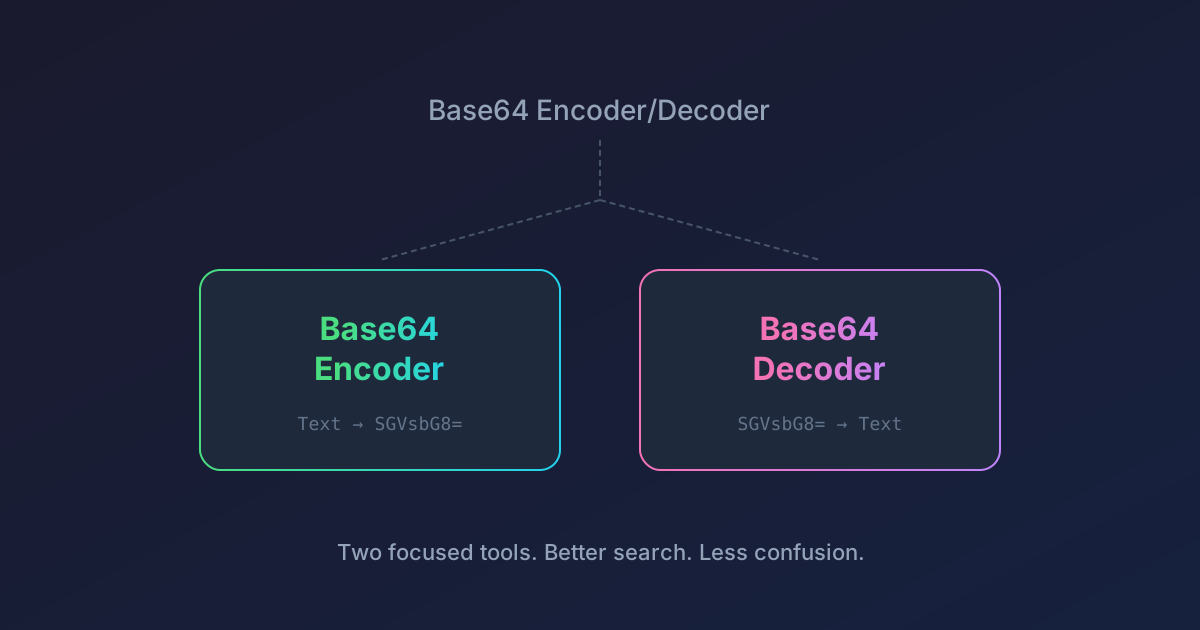
Base64 Encoder/Decoder Split Into Two Dedicated Tools
One Tool Becomes Two
The old Base64 Encoder/Decoder has been split into two separate, focused tools:
- Base64 Encoder — encode text to Base64
- Base64 Decoder — decode Base64 back to text
Both tools retain the same features you've been using: UTF-8 support, live preview with debounced input, and the option to wrap output at 76 characters (encoder only). The old combined tool still works at its original URL but is now unlisted and shows a deprecation notice pointing to the new tools.
Why the Split?
Two issues kept coming up with the combined tool:
It was confusing which mode was active
The old tool had an Encode/Decode toggle. If you landed on the page, it wasn't immediately obvious whether you were encoding or decoding — you had to check the toggle state, and the input/output labels changed depending on the mode. That's a small but real source of friction, especially when you're in a hurry.
With dedicated tools, the purpose is clear the moment the page loads. The encoder takes plain text on the left and shows Base64 on the right. The decoder does the reverse. No toggle, no ambiguity.
It was hard to find via search engines
When someone searches for "base64 encoder" or "base64 decoder", a page titled "Base64 Encoder/Decoder" competes poorly against pages with a more specific title. Search engines prefer a strong match between the query and the page title, heading, and description.
Splitting into two tools means each one can have a precise title, URL, and meta description that matches exactly what people are searching for. This makes both tools easier to find organically.
What Happened to the Old Tool?
The original Base64 Encoder/Decoder is still accessible at its original URL. It's unlisted from the tools index, so it won't show up in the tools list, but existing bookmarks and links will continue to work. A deprecation notice at the top of the page directs users to the new tools.
Try Them Out
- Base64 Encoder — paste text, get Base64
- Base64 Decoder — paste Base64, get text
As always, everything runs locally in your browser. No data leaves your machine.
